The short answer
For PS Remote Play on a Windows PC: a DualSense, DualSense Edge or DualShock 4, plugged in with a USB cable. For Xbox remote play: an Xbox Wireless Controller over Bluetooth or USB, which is what Microsoft recommends. Sony lists only its own controllers, Microsoft promises nothing for other brands, and Xbox remote play doesn't take a mouse and keyboard. Whichever you use, our app UpscaleGTA leaves it with the Remote Play app and shows GTA VI at 60, 90 or up to 120 fps.
At a glance
| PS Remote Play on Windows | Xbox remote play on Windows | |
|---|---|---|
| Controller | DualSense, DualSense Edge or DualShock 4 (PlayStation Support: Remote Play on PC and Mac) | Xbox Wireless Controller recommended (Xbox Support: How to set up remote play) |
| Connection | USB cable (PlayStation Support: Remote Play on PC and Mac) | Bluetooth or USB cable (Xbox Support: How to set up remote play) |
| Other controllers | Not listed by Sony | Wired ones may or may not work (Xbox Support: How to set up remote play) |
PS Remote Play
- Sony lists the DualSense, DualSense Edge and DualShock 4, connected to the Windows PC with a USB cable (PlayStation Support: Remote Play on PC and Mac). Its Remote Play page spells out the split: Windows by USB, while a Mac on macOS 11.3 or later can also take a DualSense over Bluetooth (PlayStation Remote Play).
- Connect the controller before you open the app and sign in: that is the order of Sony's steps (PlayStation Support: Remote Play on PC and Mac).
- A DualSense takes a USB cable with a Type-C connector (PlayStation Support: DualSense on PC).
- For voice chat you need a microphone, such as the one built into the PC (PlayStation Support: Remote Play on PC and Mac).
- Sony does explain Bluetooth pairing for a DualSense on Windows, for PC games (PlayStation Support: DualSense on PC). For PS Remote Play on Windows it names only the cable.
Xbox remote play
- Microsoft recommends an Xbox Wireless Controller connected by Bluetooth or a USB cable. Other wired controllers may or may not work, depending on who made your device (Xbox Support: How to set up remote play).
- For Bluetooth, the PC needs Bluetooth 4.0 or later (Xbox Support: How to set up remote play).
- Windows also takes the controller through the Xbox Wireless Adapter for Windows (Xbox Support: The controller on other platforms), though the remote play guide names only Bluetooth and USB.
- Playing in a browser at xbox.com/remoteplay? Microsoft's controller list, which its remote play guide points to, calls the Xbox Wireless Controller the only officially supported controller in a browser (Xbox Support: Controllers for cloud gaming).
- Mouse and keyboard aren't supported for remote play (Xbox Support: How to set up remote play).
- Headset: over Bluetooth the controller takes no attachments (Xbox Support: Bluetooth on the Xbox Wireless Controller), so plug the headset into the PC, or connect the controller by USB, which carries audio on Windows (Xbox Support: The controller on other platforms).
Pairing an Xbox controller by Bluetooth
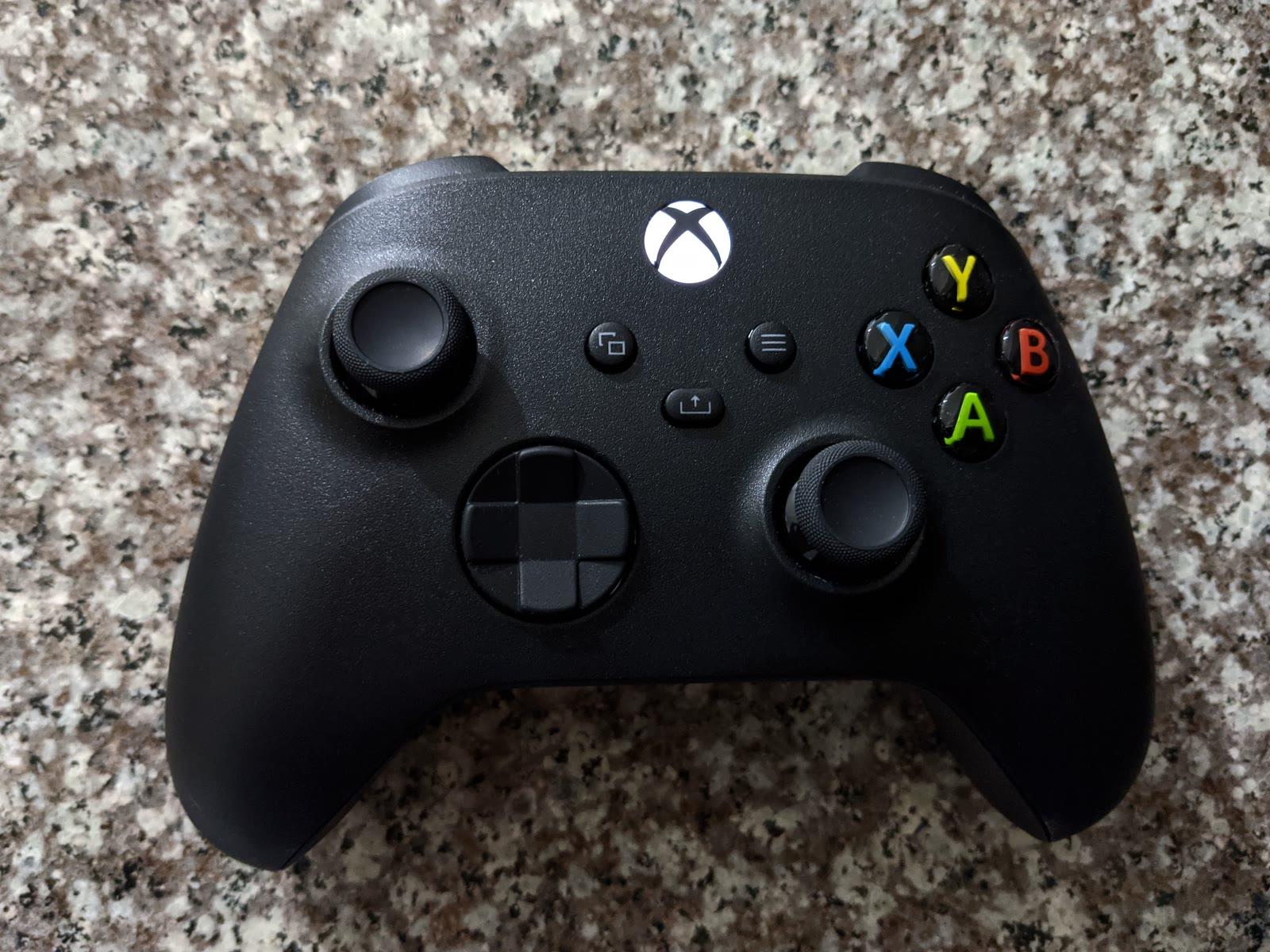
Only controllers with Bluetooth can do this. On those, the plastic around the Xbox button is part of the faceplate, and the controllers that came with an Xbox Series X|S all have it (Xbox Support: Bluetooth on the Xbox Wireless Controller). On Windows 11 (Xbox Support: Bluetooth on the Xbox Wireless Controller):
- Turn the controller on with the Xbox button.
- Press its Pair button for 3 seconds and release it.
- On the PC, open SettingsBluetooth & devices, turn Bluetooth on, select Add device and then Bluetooth.
- Select Xbox Wireless Controller when it appears, and wait until it shows as connected.
On Windows 10 it is SettingsDevicesBluetooth and then Add Bluetooth or other device. A controller connects to one device at a time, and Microsoft recommends having only one wireless controller connected over Bluetooth (Xbox Support: Bluetooth on the Xbox Wireless Controller).
Mixing brands
- An Xbox controller in PS Remote Play: Sony lists only the DualSense, DualSense Edge and DualShock 4 for PS Remote Play on a PC (PlayStation Support: Remote Play on PC and Mac), so it isn't supported.
- A DualSense in Xbox remote play: Microsoft recommends its own controller and promises nothing for others: wired controllers may or may not work (Xbox Support: How to set up remote play). Its controller list, written for cloud gaming, doesn't mention the DualSense, and in a browser it supports only the Xbox controller officially (Xbox Support: Controllers for cloud gaming).
- Streaming both consoles to one PC? The supported pair is a DualSense for the PS5 stream and an Xbox controller for the Xbox one.
When the controller does nothing
- PS Remote Play: on Windows the controller has to be on a USB cable (PlayStation Support: Remote Play on PC and Mac). Plug it in first, then start the app.
- Xbox controller over Bluetooth: make sure it is paired with the PC, not still with the console; it connects to one device at a time (Xbox Support: Bluetooth on the Xbox Wireless Controller).
- Update the Xbox controller. Microsoft advises updating it for the best Bluetooth performance (Xbox Support: The controller on other platforms), and its remote play setup test checks the controller's firmware (Xbox Support: Remote play setup test results).
- No sound in a headset plugged into the controller: that isn't supported when the controller is on Bluetooth; plug the headset into the PC (Xbox Support: Troubleshoot remote play).
Setup guides: turn on Remote Play on PS5 or on Xbox, then PS5 to PC or Xbox to PC.